


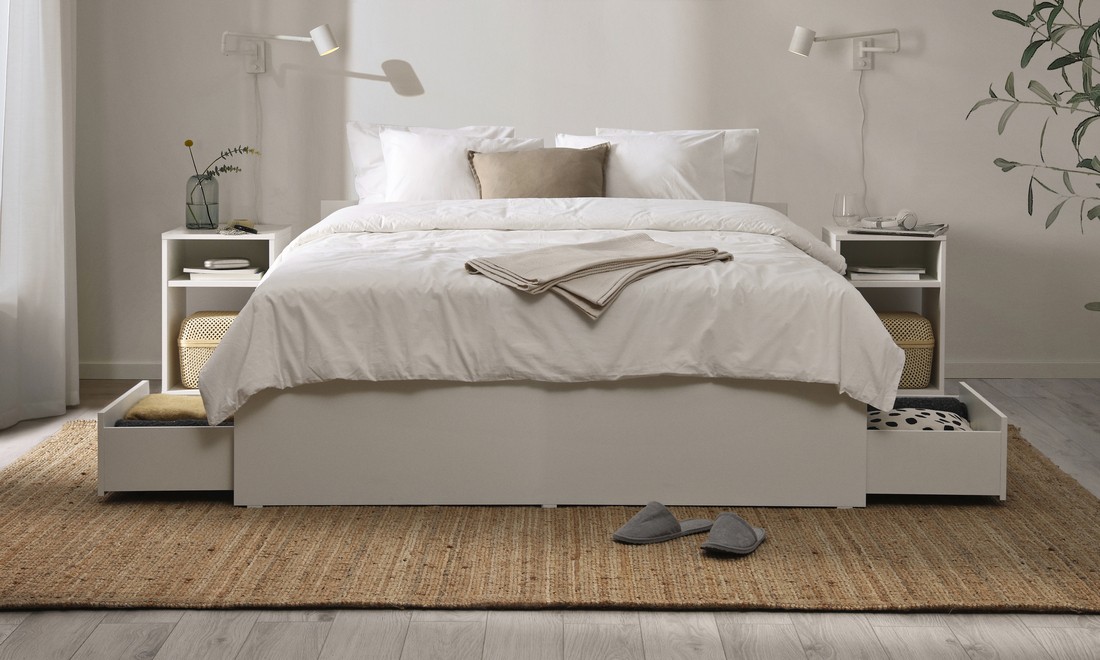
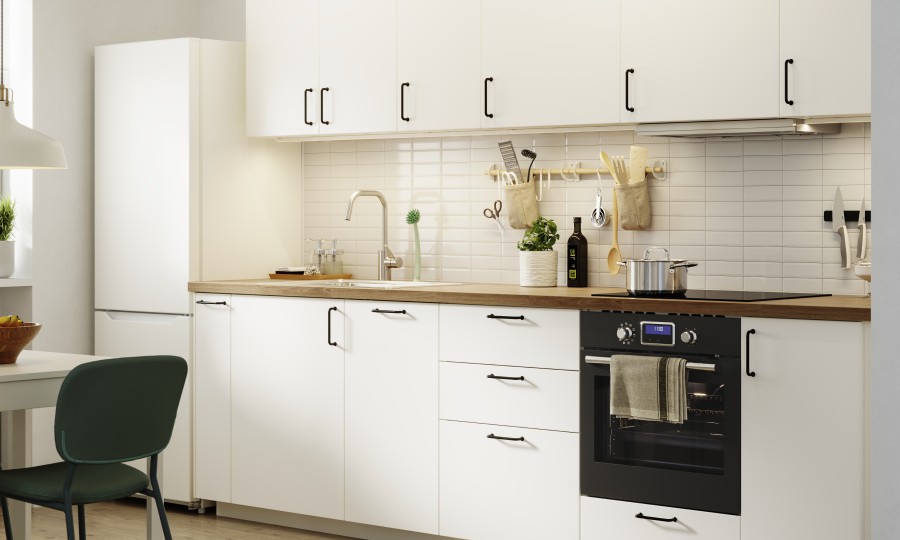

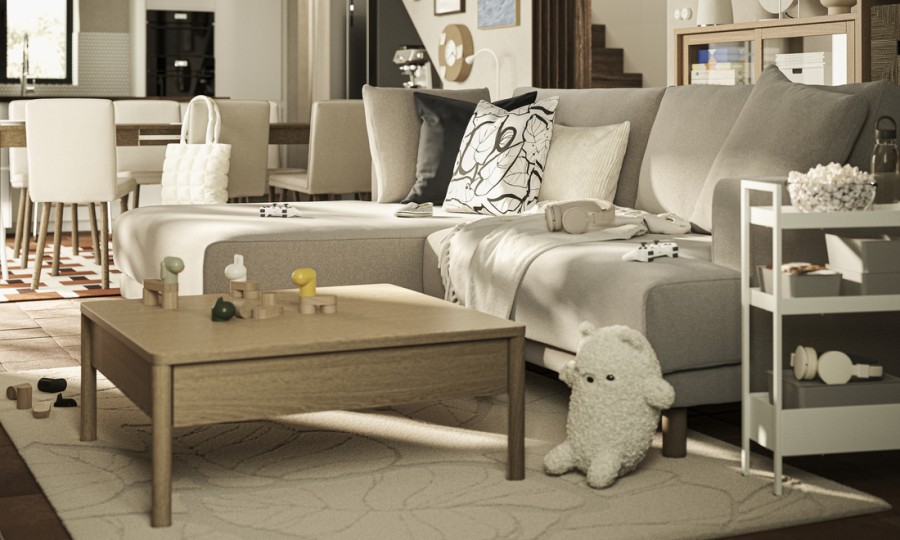
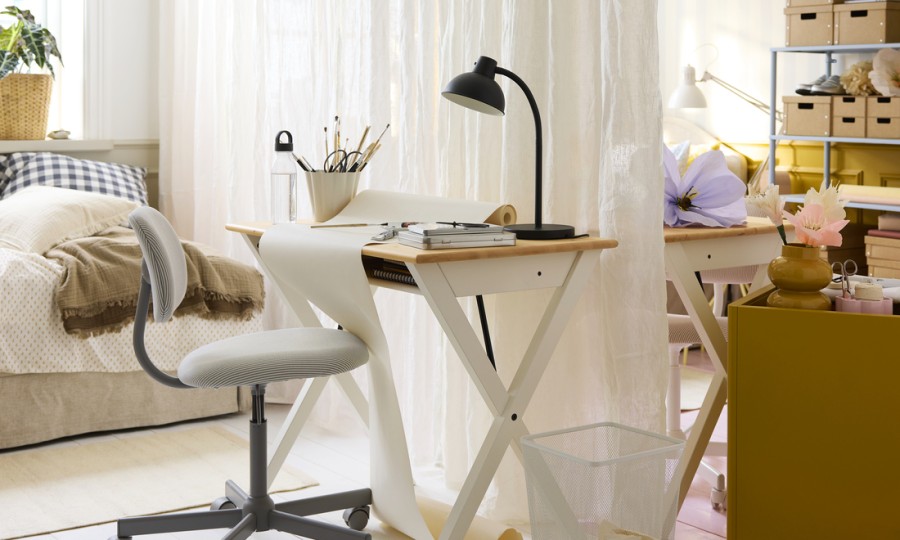


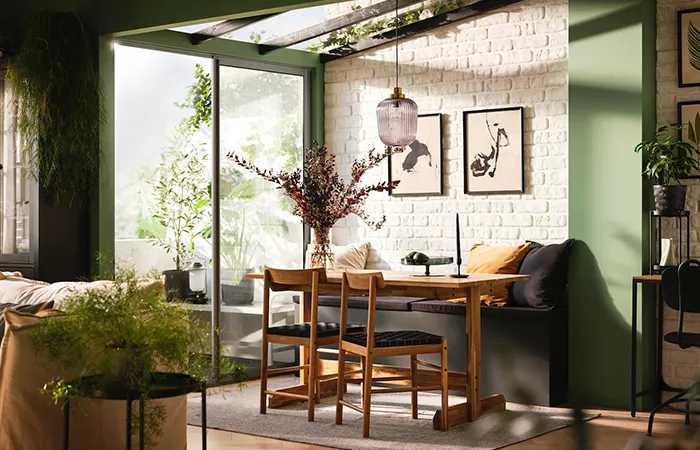
With the TRÅDFRI gateway and app you can create different moods and control each light individually: turn them off and on, dim light intensity, choose the color and change from warm to cool. The TRÅDFRI gateway and IKEA Home Smart app allow you to create different groups of light sources and control them in a number of ways.
How to install the App and gateway
Connect your gateway to the internet and to the power supply using the cables provided. Open the TRÅDFRI app on your smartphone and follow the instructions.
How to install a remote control kit
Open the remote control, insert the included battery and you’re ready to go! Watch this video where we show you a step by step guide to getting started with the TRÅDFRI remote control.
How to install the App and gateway
Connect your gateway to the internet and to the power supply using the cables provided. Open the TRÅDFRI app on your smartphone and follow the instructions.
How to install a motion sensor kit
Open the lid on the back of the motion sensor and install the included batteries. Set the moon symbol to have the motion sensor activate light only when it’s dark or set it on the sun symbol to have it work when it’s daytime. You can also set the time to have it turn off after 1, 5 or 10 minutes without motion.
Watch this video where we explain it step by step.
Adding or removing light sources
Connect a new LED light to the remote control
It’s very easy to add new light sources such as bulbs, doors and panels to your remote control.
Install the light source and turn on the main power switch.
Keep the remote control within less than 5cm of the light source and press the pairing button for 10 seconds (located under the remote control lid).
A red light will shine on the remote control and, when it’s paired successfully, the light source will dim and blink once.
Watch these videos to learn more about adding more light sources to your remote control.
Connect lamps with several LED lights to the remote control
If you have a light source with more than one light bulb, you’ll need to pair them one by one. Install your first light bulb, pair it and then remove it. Then install the second light bulb, pair and remove it, etc. Do this with all the light bulbs.
Watch this video to see how to pair your TRÅDFRI devices to light sources with multiple bulbs.
How to remove LED lights from the remote control
In this video we explain how to easily remove a light source from your remote control.
Connect a new LED light to the dimmer
To extend your TRÅDFRI dimming kit with another light bulb, install the bulb and turn the main power switch on. Keep the wireless dimmer within less than 5cm of the light bulb. Press the pairing button for 10 seconds (located under the top lid). When it’s successfully paired, the light source will dim and blink once.
Watch this video to see how to add a new LED light to the TRÅDFRI dimmer.
Connect a new LED light to the motion sensor
To extend your TRÅDFRI motion sensor kit with another light bulb, install the bulb and turn on the main power switch. Keep the motion sensor within 2 cm of the bulb and press the pairing button for 10 seconds (located on the back). When it’s successfully paired, the light source will dim and blink once, and a red light will shine on the front of the motion sensor.
Watch this video to see how to connect a new light source to the TRÅDFRI motion sensor.
Connect LED FLOALT panels to the gateway
Learn how to extend your IKEA smart lighting system with FLOALT lighting panels.
This video will show you how to pair the panel and remote control with the IKEA Home smart app.